Canva Brush Explained: The New AI Model That Edits Your Designs Like a Pro
Anyone who has asked an AI image tool to “just move the logo a little to the left” knows what usually happens next. You get a brand-new image, with the logo somewhere else, a different font and a cat that wasn’t there before.
That’s the problem Canva wants to fix with Canva Brush, which it announced on 29 October 2026. It’s a vision-language model, meaning AI that can look at a design and follow written instructions about it. Canva says Brush understands “how it’s put together.” That means the layers, the layout and the overall look, not just the pixels.
The short version
- What it is: Canva’s own AI model for editing designs, built by Canva Research, its 160-person AI lab.
- What it does: it changes anything from a single line of text to every slide in a deck, based on a plain-language prompt.
- The claim: Canva says it’s up to 69% faster for general editing tasks than its previous design agent, at 46% lower cost per edit.
- Who gets it: Canva Pro subscribers, inside Canva AI. Canva says it will roll out more widely “soon”, but hasn’t given a date.
- The big plus: everything it makes stays fully editable.
Three things you can try today
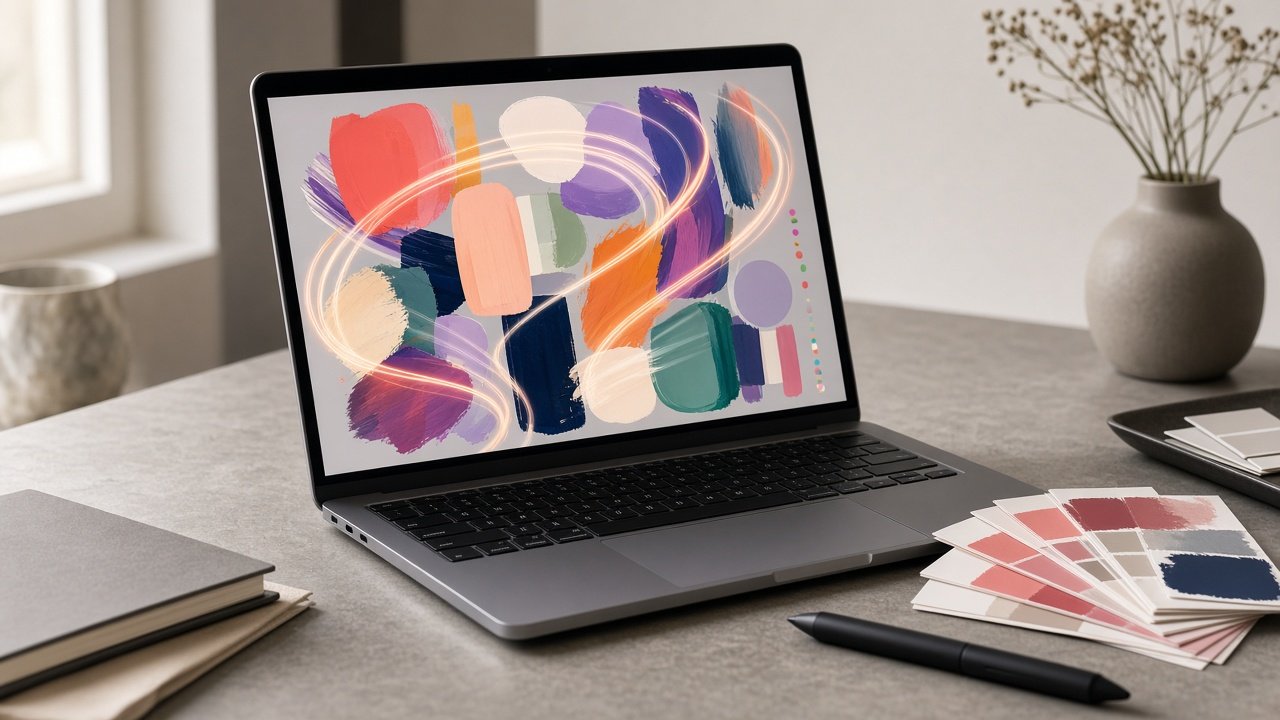
Restyle a design. Change the colour palette, the mood, even the weather in a photo, just by describing it.
Fix a whole deck in one go. Need every header changed across 30 slides? That’s one prompt now, not 30 clicks.
Reformat for another channel. Turn a presentation slide into an Instagram post without rebuilding it from scratch.
To use it, open a design (or attach one in Canva AI) and choose “Brush” from the dropdown. If you’re in India and already pay for Canva Pro, there’s nothing extra to buy. Just look for that option. If you’re on the free plan, you’ll have to wait for the wider rollout.
How did Canva build it?
Canva didn’t build Brush from scratch. According to its announcement, it started with an existing open-weights model and trained it further on real design and editing tasks. That training drew on its own designers and on anonymised data from users who opted in. On top of that came reinforcement learning, where the model attempts full tasks and learns from the ones it gets right.
The AI Economy newsletter adds that Canva built a scoring system to judge the results on visual quality, design principles and whether the task was actually done. In-house designers decided what counts as “good”.
The interesting detail is the loop. Brush writes and runs code to move elements around, then checks the page to see what happened before it takes the next step. It looks at its own work, more like a junior designer than a vending machine.
This also comes just a week after Canva Craft, the company’s first image-generation model. Canva’s way of putting it: Craft makes the image, Brush refines the design around it.
Our take
This is the useful kind of AI. It’s not flashy.
Most design work isn’t creating something new. It’s the boring stuff: resizing, re-colouring, swapping dates and fixing the same header for the fourth time. Small brands, Instagram sellers and freelancers in India spend hours on exactly that every week. A tool that handles it while leaving every layer editable is worth more than another image generator.
A few caveats, though. The speed and cost figures are Canva’s own, and independent testing will tell the real story. The AI Economy also reports that Brand Kit support is still being worked on. For any serious brand, that’s what really decides it: if Brush can’t stick to your fonts and colours, you’ll still be fixing things by hand.
What we’d do: if you’re on Pro, give Brush your most repetitive job this week, whether that’s a carousel, a menu or a sale banner in three sizes. Time it against doing it yourself. Then you’ll know.
FAQ
What is Canva Brush?
It’s Canva’s first vision-language model for design. It reads a design’s layout, layers and style and edits it from plain-language instructions.
Is Canva Brush free?
Not yet. At launch it’s for Canva Pro subscribers. Canva says wider availability is coming but hasn’t given a date.
How is it different from Canva Craft?
Craft generates images. Brush edits and refines the whole design, and its results stay editable.
Sources: Canva Newsroom, The AI Economy, Capital Brief and Crypto Briefing.