How to Remove Instagram Teen Account After Meta’s AI Age Check
If your Instagram suddenly went private, your DMs got stricter and the app started nagging you to log off at night, you are probably not imagining it. On 9 November, Meta switched on its AI age-estimation system for Instagram worldwide, India included, and it is now moving people it thinks are teenagers into Teen Accounts, even when their birthday says 25. Most of those people really are teens. Some are not. If you are an adult caught in the net, here is how to remove Instagram Teen Account restrictions properly, without making things worse.
What changed on 9 November
Meta’s newsroom post, titled “Expanding Teen Account Protections to Teens Around the World”, says the company is taking the AI it already used in the US, the EU and a few other markets and applying it globally on Instagram. The goal, in Meta’s words, is to place “millions more teens” into Teen Account protections even if they signed up with an adult birthday. Facebook is still being rolled out, and Meta says similar technology comes to Threads later this year.
How does the AI decide? Meta does not publish the model, but The Indian Express reports that it looks at contextual clues across a profile: birthday posts and wishes, mentions of a school grade, captions, comments and bios, plus visual cues from photos and videos. Think of a nosy relative scrolling your grid and guessing your age. Usually right. Occasionally embarrassing.
The timing is not random. Reuters notes that Meta faces multiple lawsuits over harm to young users and, in August, agreed to settlements with US states that included better ways of spotting teens and under-13s. India is watching the same debate closely, and the Digital Personal Data Protection Act already treats anyone under 18 as a child whose data needs parental consent.
What a Teen Account actually does to your Instagram
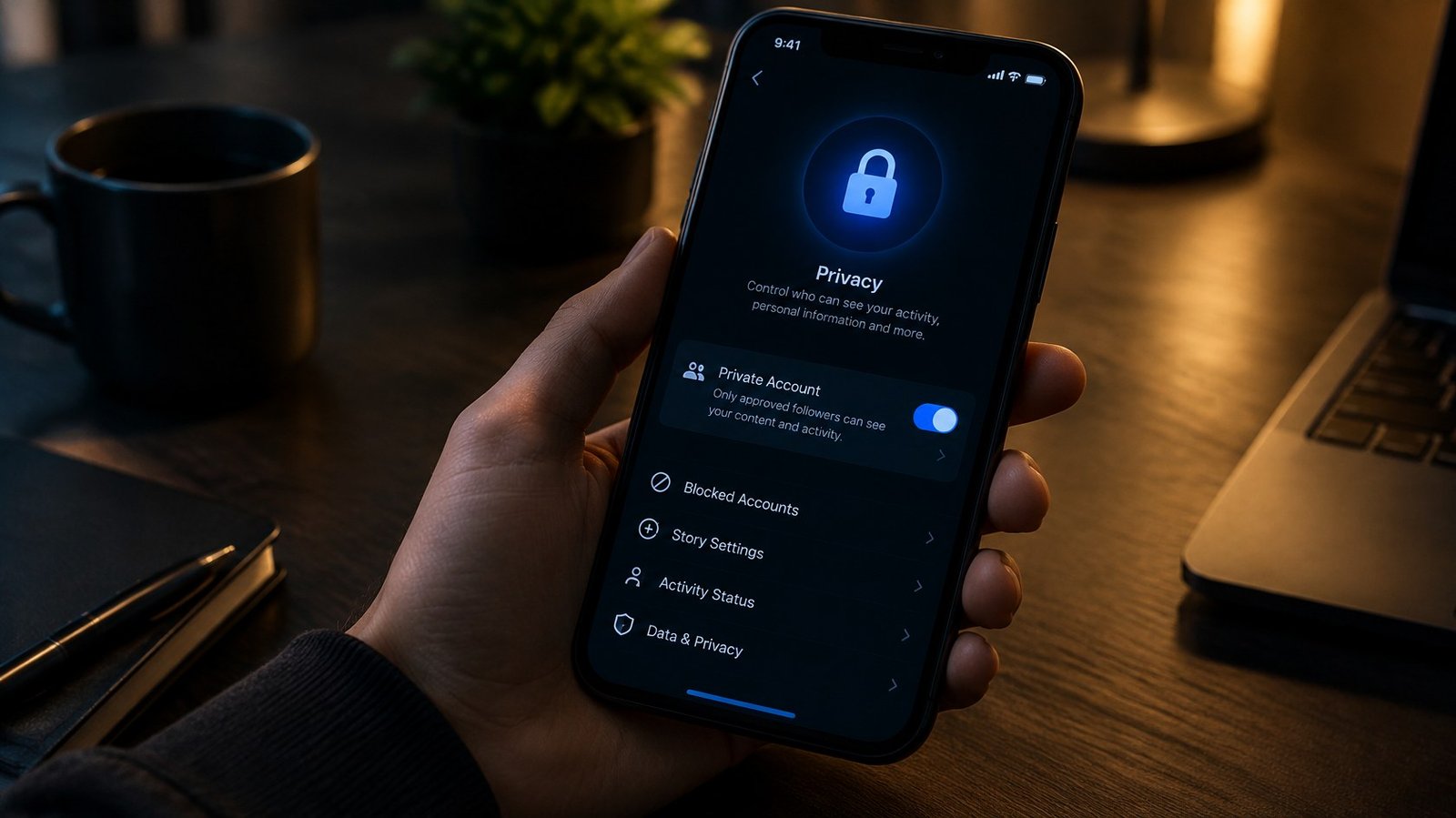
Teen Accounts are not a punishment, but if you are 23 and running a small business page, they feel like one. Based on what Meta and reporters have described, the main changes are:
- Your account becomes private by default.
- Only people you follow or are already connected to can message you.
- Sensitive content is limited and offensive comments are filtered more aggressively.
- Time reminders and a night-time sleep mode kick in.
- For users who are 16 or younger, settings cannot be loosened without a parent or guardian, as The Verge points out.
There is one more side effect that matters a lot in India, where plenty of home bakers, boutiques and creators run their business on Instagram. Meta’s Business Help Center says accounts registered as under 18 can face advertising limitations. It even names a common cause: a business account set up with the shop’s start date instead of the owner’s real birthday. If your “birthday” is the day your cloud kitchen opened in 2019, Instagram may think it is talking to a six-year-old.
How to remove Instagram Teen Account if you are an adult
The fix is not a toggle you can switch off. You have to prove your age to Meta. Here is the route that works, in order.
1. Check the notice first
If the AI flagged you, Instagram usually shows an in-app message about your age or your account settings. Tap it. That screen is the most direct path into age confirmation, and it is better than hunting through menus. When Meta first tested this system in 2025, it said adults who were wrongly placed would get an option to change their settings back. That option runs through verification.
2. Check your birthday in Accounts Center
Go to your profile, tap the menu, open Accounts Center, then Profiles and personal details, then Birthday. If it is wrong (say, a business start date), edit it. Instagram’s Help Center warns that there is a limit to how many times you can change your birthday, so get it right in one go. If your Facebook account is in the same Accounts Center, the birthday on Facebook controls the one on Instagram.
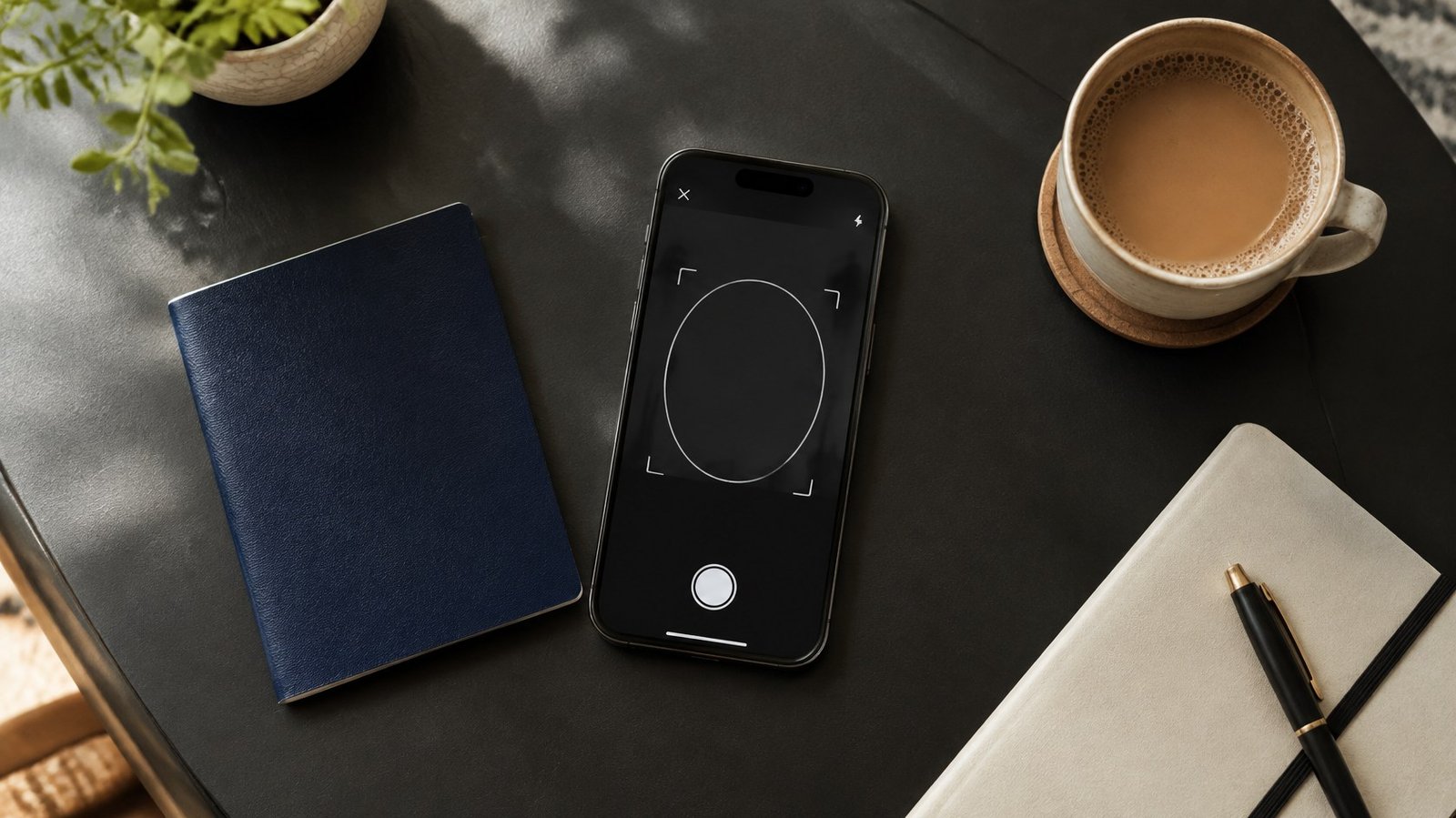
3. Pick a verification method: video selfie or ID
Meta works with a UK company called Yoti for age checks. You get two choices.
Video selfie. You record a short clip following on-screen prompts. According to Instagram’s Help Center, an image from the selfie goes to the vendor, whose technology only estimates age and cannot identify who you are, and Meta says the image is deleted within 30 days. Use good light, keep your full face in frame, remove sunglasses and caps.
ID upload. You photograph a government ID. A passport is on Instagram’s accepted list. The app shows which documents it accepts in your country, so follow that list rather than guessing. Instagram also warns that you may temporarily lose access to your account during an ID review.
4. Wait, and do not keep retrying
Results can take a few minutes. Instagram’s help pages say you usually get at least two attempts at an ID upload. Spamming attempts or switching birthdays back and forth is the fastest way to end up in a longer review.
Video selfie or ID: which should you choose?
Here is our take. If you are clearly in your mid-20s or older, try the video selfie first. It is quick, you hand over less personal data, and Meta says it is not stored long term.
If you are 18 or 19, or you simply look young (hello, every Indian aunty who gets asked for her college ID at the multiplex), go straight to an ID. Face-based estimation works with a margin of error, and the closer you are to 18, the more likely a selfie is to land on the wrong side of the line. Using an ID once is less annoying than failing a selfie and getting stuck.
And if you are a parent whose 15-year-old is furious that their “adult” account just got locked down: that is the system working as designed.
Is this a privacy problem?
Fair question. An AI reading your posts to guess your age is uncomfortable, even if the purpose is child safety. Meta argues that a single age signal from the phone’s app store would be “far more effective and privacy-preserving” than every app checking separately, and it has started using Apple’s age-range signal in Australia. Critics point out that the more apps ask for selfies and IDs, the more normal it becomes to hand them over.
We think the practical rule is simple: verify only inside the official Instagram app, never through a link in a DM, email or WhatsApp message claiming to “fix” your account. Scammers love a confusing policy change, and this is one. If you want a wider look at how everyday tech is quietly collecting more about you, our explainer on Apple Watch Live Rewind and privacy is a good next read, and for Meta’s lighter side of AI, see our piece on Meta’s Style Sketch fashion app.
Our take
Meta is right that teens lie about their age online, and protecting them is worth some friction. But the burden of the AI’s mistakes falls on adults who did nothing wrong, and India has a huge number of young adults, students and first-time sellers on Instagram who could get flagged. The fix exists, it is not hard, and you only need to do it once. Do it calmly, inside the app, with the method that suits your age, and your account should be back to normal.
FAQ
Can I turn off Instagram Teen Account without verification?
No. If you are an adult wrongly placed in a Teen Account, you need to confirm your age with a video selfie or an ID. Users under 16 also need a parent or guardian to change Teen Account settings.
Is the Instagram AI age check live in India?
Yes. Meta announced on 9 November 2026 that it is expanding the AI age-estimation system globally on Instagram, and Indian media including The Indian Express and The Economic Times have reported on the rollout.
Does Instagram keep my video selfie?
According to Instagram’s Help Center, the vendor’s technology only estimates your age, and Meta deletes the image within 30 days after the estimate is shared. Uploaded IDs are not shown to other users.
Sources: Meta Newsroom, Instagram Help Center, Meta Business Help Center, The Indian Express, The Verge, Reuters, The Economic Times.