ChatGPT Space in India: Is It Worth Upgrading From Go to Plus?
If you opened ChatGPT this weekend and your Library had quietly disappeared, you’ve met ChatGPT Space. OpenAI started rolling it out to Plus subscribers on 20 November, and the question we keep hearing about ChatGPT Space in India is a practical one: millions of people here are on ChatGPT Go, many of them on the free year that’s now running out. Is Space the thing that finally makes the jump to Plus worth it? Short answer: for some of you, yes. For most Go users, not yet.
What ChatGPT Space actually is
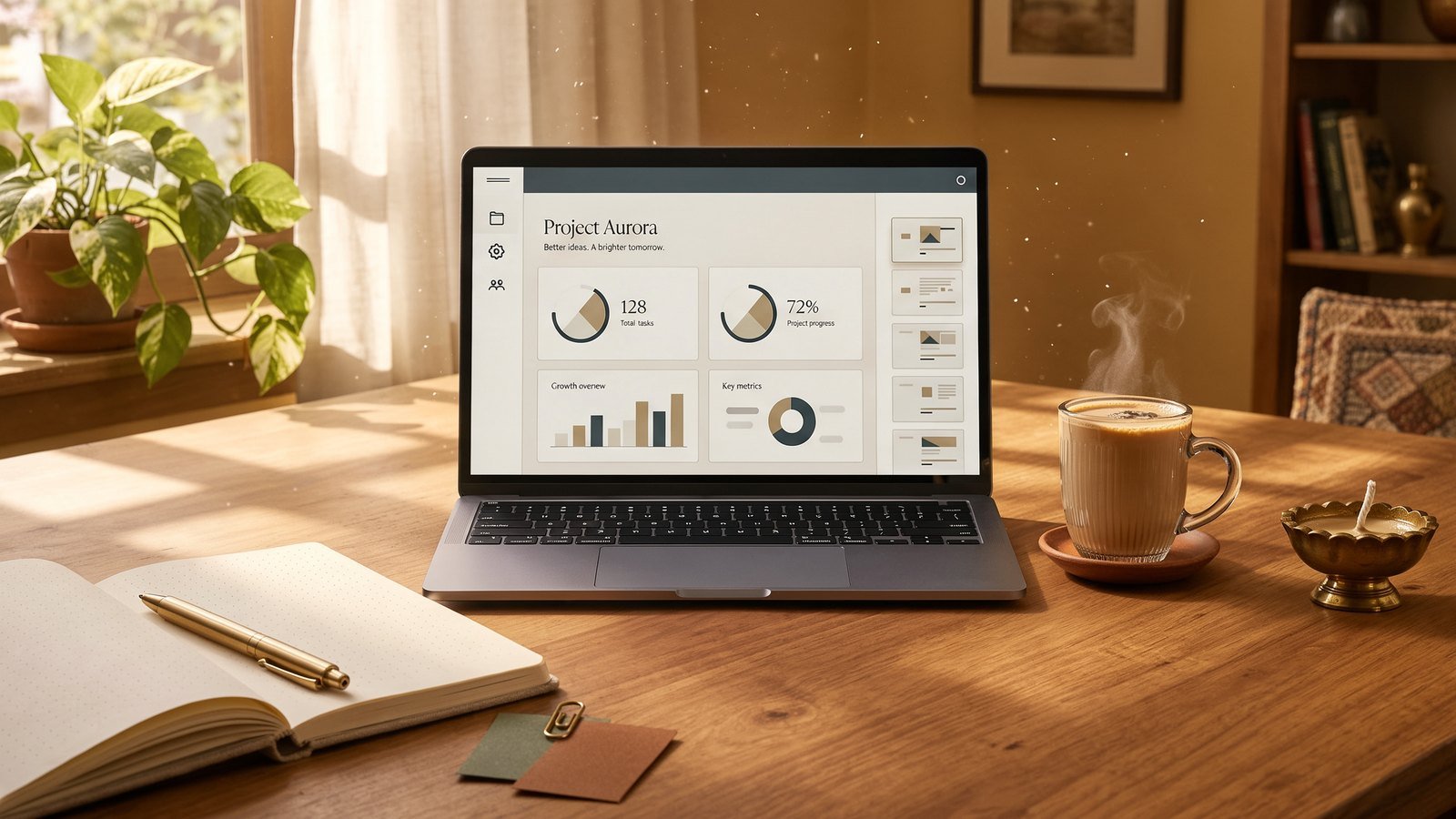
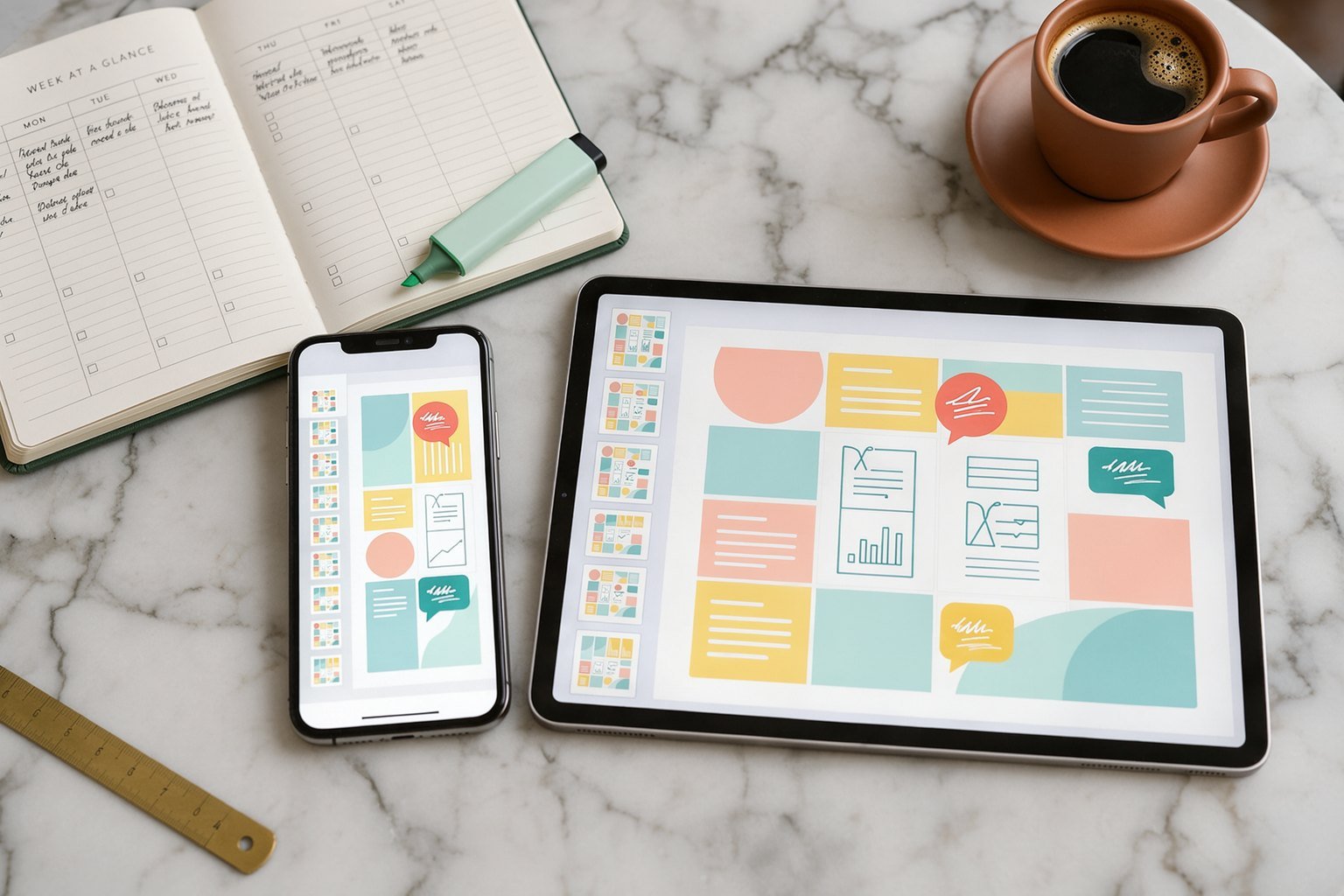
Think of Space as ChatGPT growing a desk. Until now, everything lived inside chats, and if you wanted a clean document you copied the answer into Google Docs and tidied it yourself. Space gives you pages instead: editable documents that sit in the sidebar, where you can write, paste notes, add files and ask ChatGPT to rework a section without starting a new conversation.
According to OpenAI’s help centre, a page can hold charts, trackers and small interactive tools that ChatGPT builds for you. Pages can also be set to update themselves from connected apps, so a project plan can pull in decisions from Slack or a to-do list can refresh on its own. Related pages are grouped into spaces, and spaces can hold folders and subpages.
Then there are slides. OpenAI first launched ChatGPT Slides for Pro, Business and Enterprise users in October, and it’s now part of Space. You describe the deck, the audience and the length, and ChatGPT builds an editable presentation with images and charts. On the web you can export it to PowerPoint, PDF or Google Slides. Sheets, OpenAI says, are coming soon.
Two things haven’t changed. Projects stay exactly where they were, with their chats, files and instructions. And your old Library contents, including generated images and uploads, now live inside Space rather than vanishing.
Who gets it: Plus, not Go
This is the bit that matters for Indian users. OpenAI’s Space page lists Plus, Pro, Business and Enterprise. ChatGPT Go isn’t on that list, and neither is the free tier.
It goes further than creating pages. OpenAI’s 20 November release notes say that to open a shared page or presentation, you must be signed in to a Plus, Pro, Business or Enterprise account with Space access. Public links aren’t available. So if your project partner on Plus shares a page with you and you’re on Go, you can’t open it. For college group work, where one person usually pays and everyone else freeloads, that’s a real wall.
A few more fine-print points from OpenAI’s help centre:
- You need to be 18 or older to start using Space.
- Rollout is gradual. If you’re on Plus and don’t see it, update the app; if it’s still missing, your account simply hasn’t got it yet.
- You can create and edit pages on the web, desktop app, iPhone and Android, but editing slides element by element needs the web or desktop.
- If you hit your Plus message limit, you can still edit a page by hand.
Engadget also points out that Plus users can’t bring Dot agents into Space for now, though OpenAI has started testing Dot with a small group of Plus subscribers.
The money question: Go at ₹399 vs Plus at ₹1,999
OpenAI started offering eligible Indian users a free year of ChatGPT Go on 4 November 2025, and those early trials are now reaching their renewal dates. OpenAI’s help centre has a fresh page on it: once the free year ends, Go renews at ₹399 a month unless you cancel at least 24 hours before your billing date, and some accounts are being shown discounted continuation offers on the web and Android app. Plus is listed at ₹1,999 a month in India.
That’s a ₹1,600 monthly gap. Space alone doesn’t justify it for everyone. Here’s how we’d split it.
Plus makes sense if you
- Build decks for work or college every week. Slides that export straight to PowerPoint or Google Slides can save hours, and the exported file is yours to polish.
- Collaborate with people who are already on Plus or a work plan. Shared pages only work if everyone has Space access.
- Run something ongoing, like a small business tracker, a content calendar or a wedding planning doc, that benefits from pages updating themselves.
Stay on Go if you
- Mostly ask questions, draft messages and summarise PDFs. Go handles that, and Space adds little.
- Work with classmates or colleagues on Go or the free tier. You’d be sharing pages nobody can open.
- Already live in Google Docs or Notion and just copy ChatGPT’s answers across. That workflow still works fine.
Our take: Space is the most useful thing OpenAI has added to Plus in a while, because it turns ChatGPT from a chat window into somewhere work actually gets finished. But it’s a team feature at heart, and in India, where Go is the plan most people actually pay for, the sharing restriction blunts it. Upgrade for slides and collaboration, not curiosity.
How to use ChatGPT Space for the first time
If you’re on Plus and the feature has reached you, this is the quickest way in, based on OpenAI’s own guide:
- Open Space from the sidebar, where Library used to be. Expand the sidebar if it’s collapsed.
- Pick New page, or go to a chat you’ve already had and type: “Create a page from this conversation with the main points and next steps.”
- Add your notes, files or links. For Google Drive files, connect the app first.
- Ask for specific edits, like “shorten the intro and keep the numbers unchanged”, or select a passage and leave a comment.
- For a deck, ask: “Create an 8-slide presentation in Space from these notes for my manager.” Then edit slides directly and export.
- Share with view or edit access, remembering the other person needs Space too.
One habit worth building early: check names, dates and figures on every page before you share it. OpenAI’s own help page says the same. A neat-looking page that updates itself is still only as accurate as what it pulls in.
If shared AI workspaces are what you’re shopping for, it’s also worth reading our look at Perplexity Teammates and whether Max is worth it in India, which takes a different route to the same idea. And if you’re weighing ChatGPT for office work, our test of ChatGPT for Accounting with Tally and Zoho Books shows where these tools still fall short for Indian workflows.
FAQ
Is ChatGPT Space available in India?
Yes. OpenAI is rolling Space out globally to Plus users aged 18 and older, and it’s already on Pro, Business and Enterprise. The rollout is gradual, so some Indian Plus accounts may see it days after others.
Can ChatGPT Go users use Space?
Not at the moment. OpenAI lists Space for Plus, Pro, Business and Enterprise only, and says opening a shared page or deck needs one of those plans with Space access. Go and free users can’t open shared pages.
Where did my ChatGPT Library go?
Space replaces Library for accounts that get it. Your images, uploads and files now sit inside Space, while Projects stay separate in the sidebar with their chats and instructions.