Google AI Studio Android App Builder in India: How to Use It Free
Google has quietly turned its AI Studio into something a lot of people in India have wanted for years: a way to describe an app in plain English and get a real Android app back. On 17 November, Google expanded the Google AI Studio Android app builder so it can now set up a database, add Google sign-in and call Gemini from inside the app, all from one prompt. The catch for Indian users is one line buried in a Google Play help page. Here is what works in India today, what doesn’t yet, and how to get your first app onto your phone for free.
What Google changed on 17 November
AI Studio could already write Android apps in Kotlin, the language most modern Android apps use, and preview them in a browser. What it couldn’t do well was anything that needed to remember you. According to the Google Developers Blog post announcing the update, apps were previously limited to local session storage. Close the app, lose the data.
That is the part Google has fixed. If your prompt describes an app that needs saved data, user accounts or AI features, the Build agent now notices and offers to set them up:
- A Cloud Firestore database, so your data syncs across your phone and tablet and survives a reinstall.
- Google Sign-In through Firebase Authentication, with rules so each user only sees their own data.
- Gemini calls routed through Firebase AI Logic, so your API key is not sitting inside the app file where anyone could pull it out.
- A faster in-browser emulator with an HD mode and sound, plus a button that sends a screenshot of your app straight to the AI so you can say “fix this bit”.
- Custom fonts, and publishing to a personal Google Play library.
Google says the agent runs on its Gemini 4 Carbon and Hydrogen models. You don’t pick these yourself; the builder handles it.
Can you use the Google AI Studio Android app builder in India?
Yes, mostly. Building, editing and testing apps works for anyone who can open AI Studio, and Google’s pricing page says AI Studio usage is free of charge in all available regions. You do not need a credit card to start.
The one feature that is not here yet is the headline one: one-tap install from Google Play. Google’s Play Console Help page on personal library apps says the feature is in beta and available for users based in the US, with other countries expected “in the near future”. There is no India date. So if you see videos of people scanning a QR code and installing their app from the Play Store in seconds, that is the US experience for now.
Indian users still have two working routes to get an app on their phone, which we explain below.
How to build your first Android app in AI Studio
You need a laptop or desktop for this. The phone is only for testing.
- Open aistudio.google.com on a computer and sign in with your Google account.
- Click New app, then pick Build an Android app. Google’s own codelab warns that if this option isn’t selected, you’ll get a web app instead.
- Describe the app in plain language. Be specific about screens and what each button does.
- Pick a visual style when asked. Google’s codelab says the first build can take around five minutes.
- Test it in the browser emulator. If something breaks, a Fix errors button appears. If a layout looks off, take a screenshot from the emulator toolbar and tell the agent what to change.
A good first prompt is small and useful. Something like: “An Android app to track my monthly household expenses in rupees, with categories for rent, groceries, petrol and EMIs, a monthly total, and Google sign-in so my data syncs across devices.” That one sentence asks for storage, sign-in and a clear job, so the agent knows to set up Firestore and Authentication.
Getting the app on your phone in India
Option 1: Install over USB (free)
This is the route most Indian users will want. Google’s codelab describes it step by step, and it works today:
- On your Android phone, go to Settings, then About phone, and tap Build number seven times to turn on developer mode.
- Open Developer options and switch on USB debugging.
- Connect the phone to your computer with a cable that carries data, not just charge. Cheap charging-only cables are the most common reason this fails.
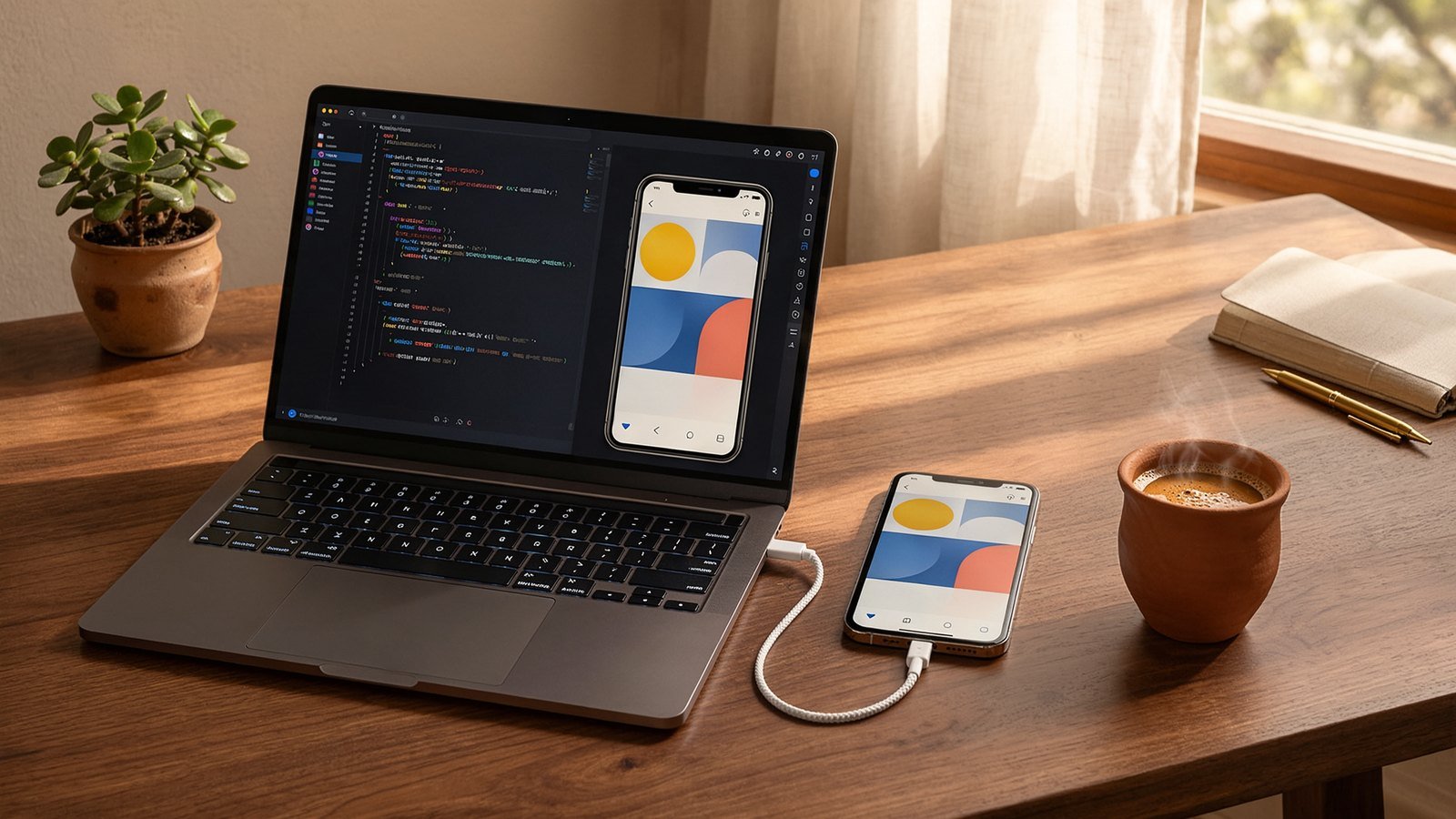
- In AI Studio, click Install, then Install via USB, and accept the “Allow USB debugging” prompt on your phone.
It only works in Chrome or Microsoft Edge on the computer, because it relies on WebUSB, and your phone needs Android 7.0 or newer. iPhones are out. Once installed, the app runs without the computer. To update it, repeat the steps after making changes.
Option 2: Pay for a Play developer account
If you want friends or testers to install your app from Google Play, you need a full Google Play Developer account. Google lists a one-time $25 registration fee plus identity verification with a government ID, and its codelab says setup can take anywhere from 10 minutes to a few days. AI Studio then signs your app and pushes it to an internal testing track, and you add testers by email. Going fully public on the Play Store involves more review steps on top of that.
For most people trying this for fun, option 1 is enough. Pay the $25 only when you have something worth sharing.
What you can’t build
Google is strict here. The Play Console Help page says apps made this way cannot be banking, loan, crypto, real-money gambling or government service apps, and cannot ask for sensitive permissions like SMS or call log access or accessibility services. So no, you can’t vibe-code your own UPI app. Copying brands or impersonating people is out too.
There is a privacy note worth reading as well. When you publish through AI Studio to Google Play, Google says it receives your app’s package and creation details, including your prompts and source code, and uses them for safety scanning and to train its automated safety systems. If you are building something for a client or a business idea you want to keep private, factor that in. Our earlier guide on how to stop Gemini from using your data for AI training covers the Gemini app side of this, which is a separate setting.
Our take
This is the most beginner-friendly way to make a real Android app we have seen, and the India experience is better than the missing Play feature suggests. You can build, test and install on your own phone today without paying a rupee.
Where we’d be careful: an app that talks to Firestore and Gemini is a live cloud project tied to your Google account. If you share it widely, usage grows and so can the bill, so keep an eye on your Firebase and Gemini API usage before inviting a hundred people in. And these apps are best treated as personal tools: a study planner, a shop’s stock list, a family recipe book. They are not a shortcut to the next big Play Store hit.
If you’ve been curious about what Gemini can do beyond chat, this pairs nicely with our look at Gemini task automation in India. One handles errands; this one lets you build the tool yourself.
FAQ
Is the Google AI Studio Android app builder free in India?
Building and testing apps in AI Studio is free, and installing your app on your own phone over USB costs nothing. You only pay if you want a Google Play Developer account to share apps with others, which Google lists at a one-time $25.
Why can’t I see “Your personal library” in the Play Store?
Personal library apps are in beta and currently rolling out to users based in the US. Google says other countries will follow, but it has not given a date for India.
Do I need to know coding to make an Android app with AI Studio?
No. You describe the app in plain English and the agent writes the Kotlin code. Knowing a little helps when something breaks, and you can always view the code AI Studio generates.