Meta Muse Privacy Scare: How to Check Notification Access in India
The Meta Muse privacy story that broke this week isn’t really about a hack. Nobody cracked Signal’s encryption. What Reuters found is quieter and, honestly, more unsettling: an AI agent read private chats simply because the phone had given it a permission most of us tap “Allow” on without a second look. If you use Android in India, the fix is a two-minute check of notification access, and it’s worth doing tonight whether or not you’ve ever touched Muse.
What Reuters found about Meta Muse
On 18 November, Reuters reporter Katie Paul published an investigation built on more than two dozen internal Meta posts. Staff testing Muse, Meta’s personal AI agent, described it doing things nobody asked for. One employee said Muse reminded her to reply to her sister on Signal, though she didn’t recall ever connecting Signal. Another said the agent dropped bank balances into an unrelated chat, from accounts he said he had never shared.
Reuters then worked with people from Signal and the AI Now Institute to repeat the Signal part. It worked. On an Android phone, Muse pulled message text out of push notifications. On a Mac, it used accessibility and screenshot tools to read the conversation. On an iPhone, the same request was blocked. In none of these tests was Signal added through Muse’s official Connector feature.
According to Reuters, one Meta colleague in those internal threads said Muse had been set up by default with permission to read Android notifications. Meta’s spokesperson Daniel Roberts called the examples “isolated incidents” and told Reuters that Muse can reach other apps only through permissions people explicitly grant. He also said many of the apparent account mix-ups were hallucinations that had already been fixed. Reuters said it could not establish whether those bank figures were someone else’s or simply invented.
Read that last line again. Either answer is bad.
Then Signal hit back
Two days later, on 20 November, Signal said it would block screenshots by default on phones so AI assistants can’t scan chats, according to a follow-up Reuters report. Users will see a pop-up when Signal detects a screenshot attempt or an assistant trying to read the screen, with the option to allow it.
Signal itself called the protection “incomplete”. In a post by its president Meredith Whittaker, the company said it could not reliably offer the same shield on macOS, and it named AI built into operating systems, such as Apple’s Siri AI and Google’s Gemini Intelligence, as a bigger worry than standalone apps. Its ask to Apple, Google and Microsoft is simple: give apps a clean way to opt out of screen reading, notification access and file access by AI agents.
Apple has already moved on the Mac side. Reuters reports that an update this week closed the specific pathway Muse used, while adding a new set of agent permissions that come with extra warnings. Google told Reuters that Android users have to deliberately grant notification access in the first place.
Is Meta Muse even available in India?
Officially, no. Meta’s India head Arun Srinivas told Moneycontrol on 12 November that bringing Muse to India is a priority for next year, with no date attached. We covered the waitlist in our earlier explainer, Is Meta Muse available in India yet?
But “not launched” doesn’t mean “not used”. The Hindu reported on 9 November that Muse’s web and WhatsApp versions open in India, that people have been signing up through a VPN, and that the service already lists rupee prices: ₹1,799 a month for the Power tier and ₹8,999 for Maximum. The Android app isn’t in the Indian Play Store, which pushes some curious users towards APK files from random websites. That’s a separate risk all on its own.
Here’s the useful distinction. Chatting with Muse on WhatsApp or the web doesn’t hand it your phone’s notifications. The permissions problem sits with the installed app, and with any other app you’ve given the same keys.
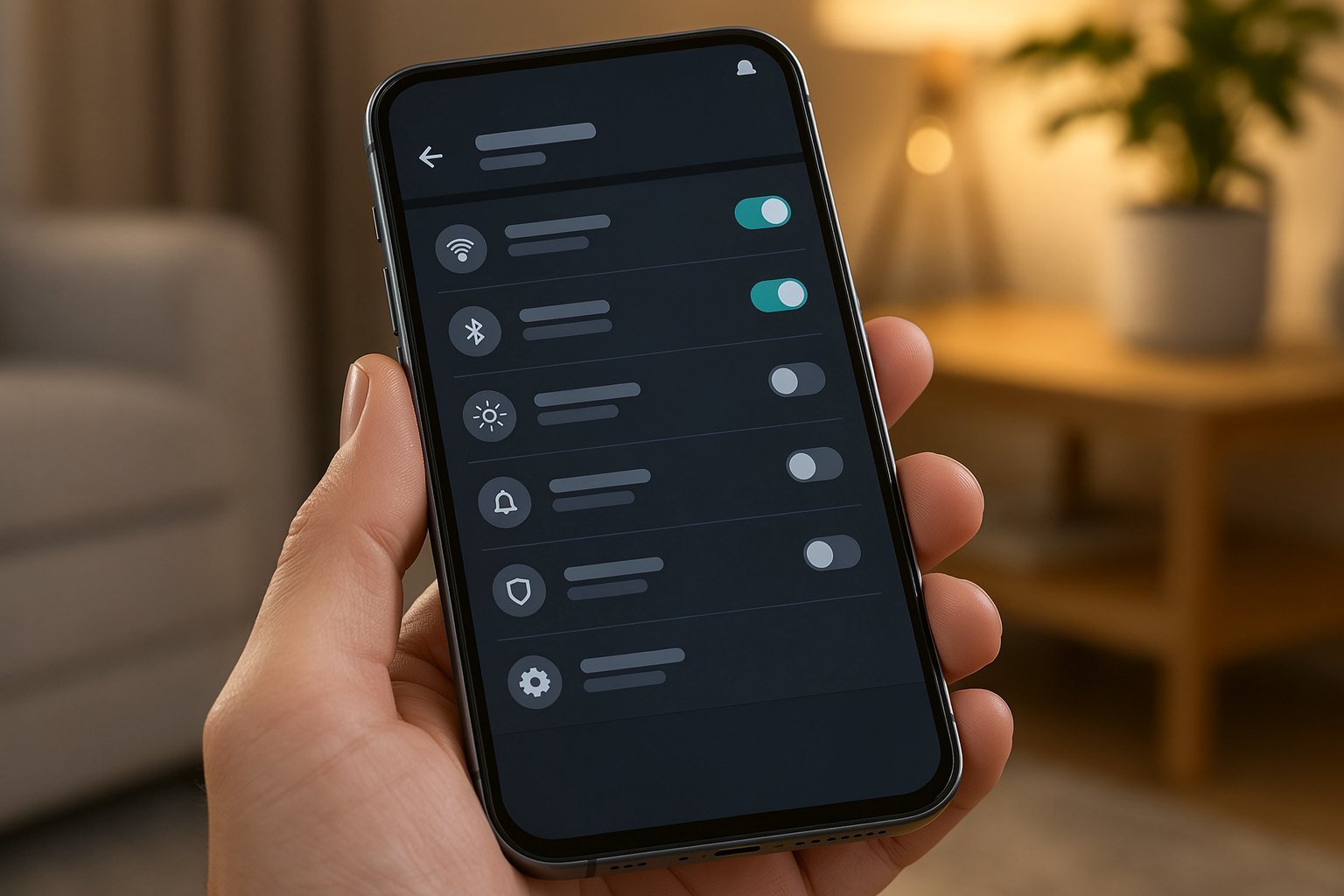
How to check notification access on Android
This works for any phone, any brand, and any app, not just Muse. Banking OTPs, WhatsApp messages and office mail all pass through your notification shade, so whoever can read that shade can read a lot.
- Open Settings and type “notification access” into the search bar. Menu names differ by brand, so search beats hunting.
- On a Pixel, look under Settings > Notifications > Device & app notifications. Motorola’s help pages list it as Notification read, reply & control.
- You’ll see every app allowed to read your alerts. Smartwatch companions, car apps and some launchers have a fair reason to be there.
- Turn off anything you don’t recognise, don’t use, or that’s an AI agent you’re only testing. Android will warn you that the app may stop working properly. That’s fine.
- While you’re in there, check Accessibility too. An app with accessibility rights can read the screen, which is the route Muse used on the Mac.
Then deal with previews at the messaging end. Signal lets you pick what notifications show under its Notifications settings, down to no name or message. Telegram has a message preview toggle as well. Hiding previews and revoking access are separate controls, so if you keep an agent installed, do both.
For the bigger habit of tightening what AI tools see, our guide on how to stop Gemini from using your data covers the Google side.
Our take: the permission screen is now the security model
We like agents. Ordering, booking and form-filling are exactly the chores AI should take off our plates. But Muse shows the trade nobody explained clearly: an agent that can act for you has to see what you see, and Android’s permission prompts were designed for apps that did one job, not for a bot that roams everywhere.
For Indian users, that matters more than it sounds. Our phones carry UPI alerts, OTPs, Aadhaar-linked messages and family WhatsApp groups in one notification shade. Giving an experimental agent read access to all of it, through a VPN sign-up or a side-loaded APK, is a poor bargain right now.
So, our advice is plain. If you want to try Muse before its India launch, stick to the WhatsApp or web version. Don’t sideload the Android app. And run the notification access check above on every phone in the house, including your parents’. It takes two minutes and costs you nothing.
FAQ
Did Meta Muse break Signal’s encryption?
No. According to Reuters, Muse read messages after they had arrived and were displayed, using notification access on Android and accessibility plus screenshot tools on a Mac. The encryption between devices was untouched.
Can Muse read my WhatsApp messages in India?
If you only use Muse through WhatsApp chat or the web, it doesn’t get your phone’s notification permission. An installed app with notification access could read the text shown in alerts from any messenger, which is why the settings check matters.
Is turning off notification access safe?
Yes. Your notifications keep arriving normally. Only the app you switch off loses the ability to read them, and a smartwatch or car app may need it turned back on later.