Alexa for Shopping in India: How to Use It and Check Price History
Amazon has quietly swapped the little shopping helper in its app for something with a bigger brain. Alexa for Shopping in India started rolling out on 12 November, and if you opened the Amazon app this week you may have spotted a new Alexa icon in the bottom bar. It answers questions about products, compares them side by side, and, most usefully for anyone who has been burnt by a fake “deal”, shows how a product’s price has moved over the past year. Here is how to use it, what to ask it, and where we would still double-check its homework.
What Alexa for Shopping actually is
If the name sounds new, the idea isn’t. Amazon’s own explainer says Rufus, the AI shopping assistant Indian users first met in 2024, was renamed Alexa for Shopping on 13 May 2026. The India launch post on About Amazon India describes the new version as Rufus’s product knowledge combined with the personal context of Alexa+, the upgraded voice assistant. In plain terms, it knows the catalogue and it is starting to know you: your orders, your browsing, and anything you have told Alexa on an Echo speaker.
The cost question is easy. Amazon says it is free for any signed-in Amazon.in customer, and you do not need Prime or an Echo device. Gadgets 360 and Zee Business, which covered the launch, report the same. The catch is the phrase “select storefronts”. It is not on every corner of the app yet, so if you can’t see it on a grocery page, try an electronics or fashion listing.
How to use Alexa for Shopping in India, step by step
- Update the Amazon Shopping app from the Play Store or App Store. The rollout is gradual, so an old version simply won’t show it.
- Sign in. Logged-out browsing won’t get you the assistant.
- Tap the Alexa icon in the bottom navigation bar. On a laptop, Amazon says the icon sits at the top of the page on Amazon.in.
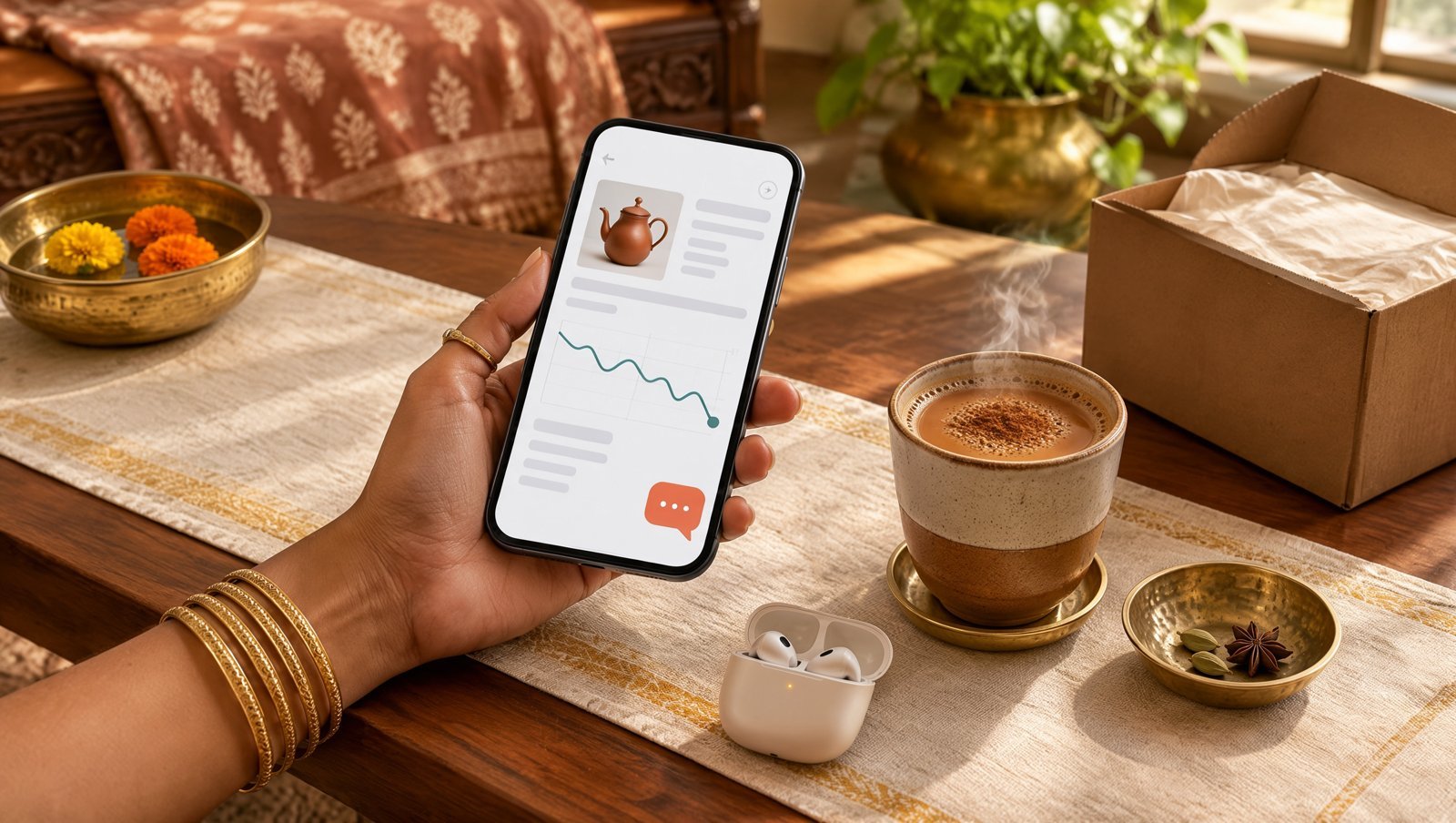
- Open a product first if you want price history. On an eligible product page, tap the Price History link next to the price, or ask the assistant “Is this the lowest price recently?”
- Ask follow-ups like you would ask a friend. “Which of these two has better battery life?” works better than typing a keyword.
The feature worth your time: price history
This is the bit that changes behaviour. Amazon India’s announcement says you can see how a price has changed over 30, 60 or 365 days. That matters in a country where the MRP is often a polite fiction and “68% off” banners appear year-round. If a mixer grinder has sat at ₹3,499 for eleven months and is now “on sale” at ₹3,399, the chart tells you in two seconds that the festival tag is doing most of the work.
A few prompts that genuinely help:
- “Has this been cheaper in the last three months?”
- “Show me the price history for this TV.”
- “Tell me when this drops below ₹1,500.” (this sets a deal alert)
Amazon says customers set more than 4 million deal alerts during the Great Indian Festival 2026, so the feature already has a fan base. What Alexa for Shopping adds is the ability to set one in a sentence instead of hunting for a button.
Comparisons, guides and the “usual” basket
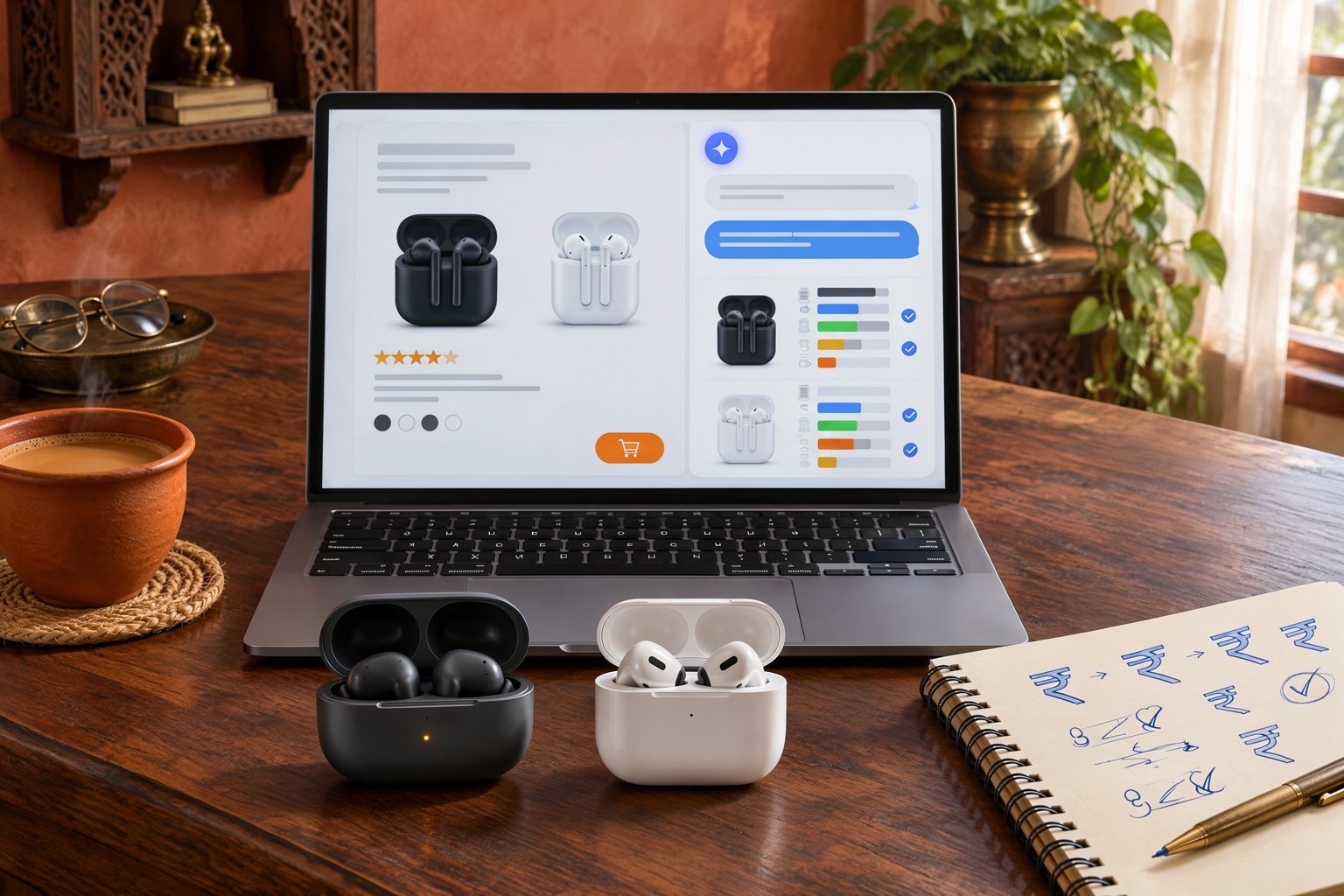
Ask it to compare two products and you get a side-by-side summary of features, prices and review highlights. Amazon says these draw on its own sites and on “public sources”. For bigger purchases, it can build a buying guide; Amazon’s examples are a 55-inch smart TV and a gaming laptop, and you can tell it what matters to you, say, low input lag for gaming or a bright panel for a sunny Delhi living room.
The everyday trick is the basket. Amazon’s own example is very Indian: atta, tea and detergent. Say “add my usual atta and tea” and it builds the cart from past orders. You can also schedule actions, such as restocking an item every month only if its price is below a number you choose. For households that reorder the same things on autopilot, that is a small but real saving of time.
If you followed our piece on Gemini ordering food and cabs in India, this is the same agent idea, just locked inside one store. That limitation is also its safety net.
What it won’t do
Amazon is unusually blunt about the boundaries. Its disclaimer says the assistant is only meant for shopping questions on Amazon.in, not for news, health, legal or financial advice. So don’t ask it whether a supplement is safe for your BP; ask your doctor. For non-shopping jobs such as smart home control or music, Amazon says it hands you over to Alexa+ in the Alexa app.
It also isn’t a neutral price-comparison engine. Price history is Amazon’s history, on Amazon. If the same phone is cheaper on Flipkart, Croma or the brand’s own store, this tool has no reason to mention it. And Amazon’s announcement doesn’t spell out which Indian languages are supported, so if you plan to type in Hindi, test it before relying on it.
One more reason to stay alert: brand-protection firm Podqi recently tested AI shopping assistants and found questionable websites showing up in some answers from Perplexity, ChatGPT and Gemini, as summarised in The Neuron’s 13 November AI digest. Alexa for Shopping wasn’t part of that test, and staying inside one marketplace lowers that particular risk, but it is a fair reminder that AI suggestions are a starting point, not a verdict.
Privacy: what it remembers about you
The personal touch comes from data. Amazon says what you share with Alexa on Echo devices can shape your shopping, and your Amazon.in activity can make Alexa more helpful elsewhere. If that feels like a lot, Amazon says you can view, update or remove saved preferences, such as family members’ sizes or dietary needs, just by asking the assistant. Do that once, especially on a shared family account.
Our take
Alexa for Shopping is most useful as a sceptic, not a salesman. Use the price-history chart before every “big sale” purchase, set alerts for things you’re not in a hurry to buy, and let it shortlist products when a category confuses you. Then close the app and check one other store before paying for anything expensive. We like it as a calm second opinion inside a very noisy app; we would not let it fill a cart unattended yet. For a wider look at how AI is changing search habits, read our take on ChatGPT search vs Google.
FAQ
Is Alexa for Shopping free in India?
Yes. Amazon says it is free for all signed-in Amazon.in customers, with no Prime membership or Echo device required.
How do I check Amazon price history in India?
Open an eligible product page in the updated Amazon app and tap Price History next to the price, or ask Alexa for Shopping “What’s the price history?” Amazon India lists 30, 60 and 365-day views.
Is Alexa for Shopping the same as Rufus?
Mostly, yes. Amazon renamed Rufus to Alexa for Shopping in May 2026 and added personal context from Alexa+, deal alerts, scheduled actions and up to a year of price history.