WhatsApp Cloud Backup vs Google Drive: Which to Use in India?
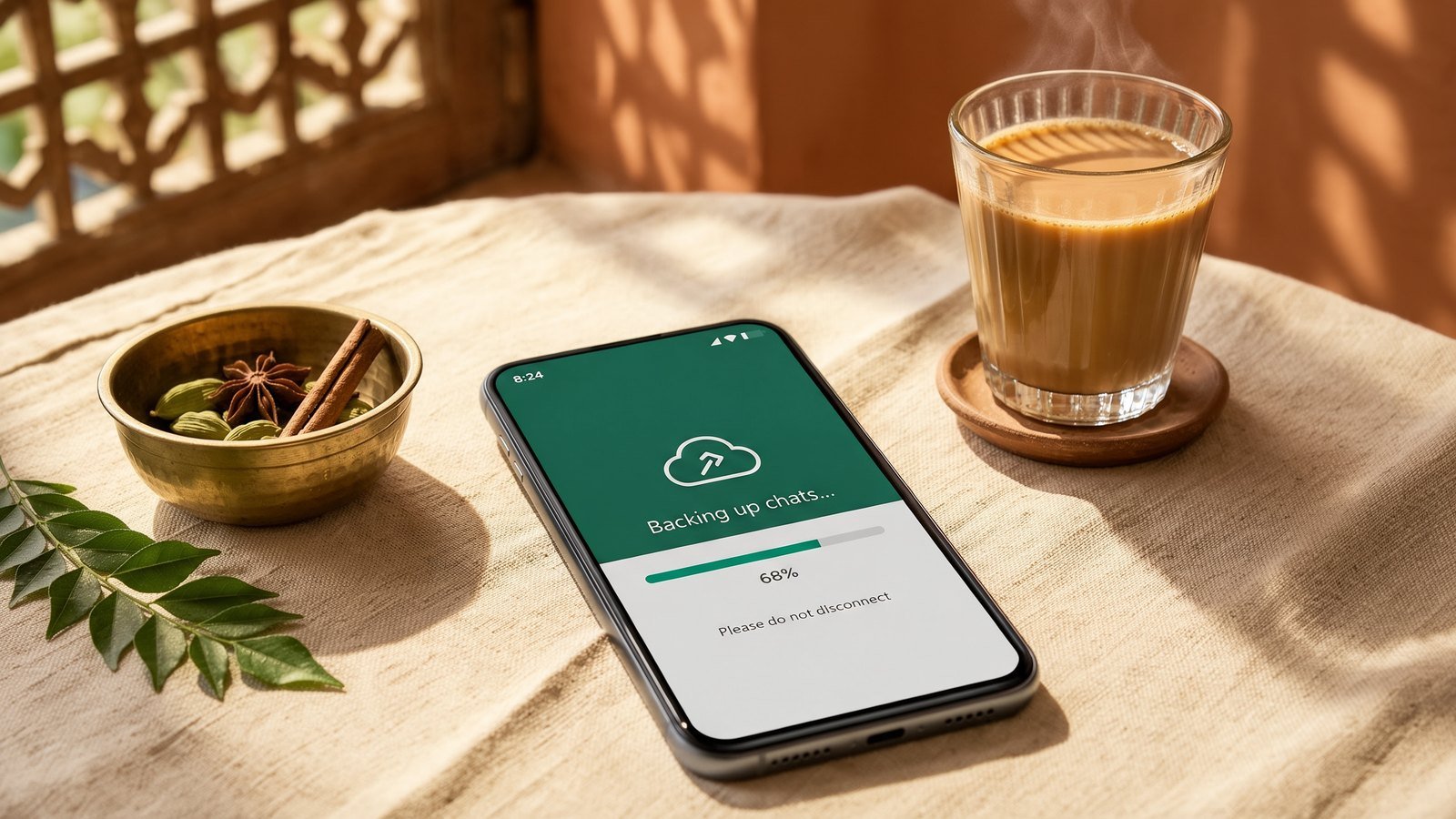
If your phone keeps nagging you that Google storage is almost full, WhatsApp may have just handed you a way out. The app is rolling out its own cloud storage for chat backups, with 2GB free, which means the old WhatsApp cloud backup vs Google Drive question finally has two real answers. Here’s how the two compare for Indian users, what the free 2GB actually covers, and which one we’d pick.
What changed this week
WABetaInfo, the site that tracks WhatsApp test builds, reported on 22 November that WhatsApp is adding its own backup storage on both Android and iOS. On Android it arrived with beta version 2.26.46.4, and Android Authority says the feature is reaching select beta testers first, with a wider rollout expected over the coming weeks. So if you don’t see it yet, nothing is wrong with your phone.
Until now, Android users had one real option: Google Drive. iPhone users had iCloud. WhatsApp’s own storage now sits next to those on a redesigned Chat backup screen, and you can switch between providers whenever you like.
The headline numbers, according to WABetaInfo and Gadgets 360:
- Free: 2GB of WhatsApp cloud storage for every account.
- WhatsApp Plus: 100GB of backup space. WhatsApp Plus costs ₹79 a month in India, with a one-month free trial for new subscribers, as reported by Beebom and Gadgets 360.
- Meta One: up to 4TB on the top tier. Gadgets 360 lists Meta One Core at ₹549 a month in India.
- Encryption: mandatory. Every backup on WhatsApp’s servers is end-to-end encrypted, locked with a passkey, a password or a 64-digit key.
WhatsApp cloud backup vs Google Drive: the real differences
On paper both do the same job. In daily life they behave quite differently.
Storage maths
Google gives you 15GB free, but Android Authority points out that it’s shared across Drive, Gmail and Google Photos. For most of us in India, that 15GB filled up years ago with family photos and forwarded videos. WhatsApp’s 2GB is smaller, but it belongs to WhatsApp alone and doesn’t eat into your Google quota at all.
If you’re paying, the gap is interesting. WhatsApp Plus at ₹79 a month gives you 100GB just for WhatsApp, plus perks like custom icons and extra pinned chats. Google One’s 100GB plan is listed at ₹130 a month on Google’s India site, and that space works for your photos, Gmail and Drive files too. If WhatsApp is the only thing hogging space, ₹79 looks cheaper. If your Photos library is the real culprit, Google One still makes more sense.
Privacy
This is where WhatsApp’s option wins clearly. Its backups are end-to-end encrypted by default, and you can’t switch that off. Gadgets 360 notes that anyone who wants an unencrypted backup will have to stay with Google Drive or iCloud. On Drive, encryption is an optional setting that many people never turn on.
We wrote recently about how an AI agent could read private chats through Android’s notification access. Backups are the other quiet leak. An encrypted backup that only you can open is simply the safer default.
The catch: your key is your only key
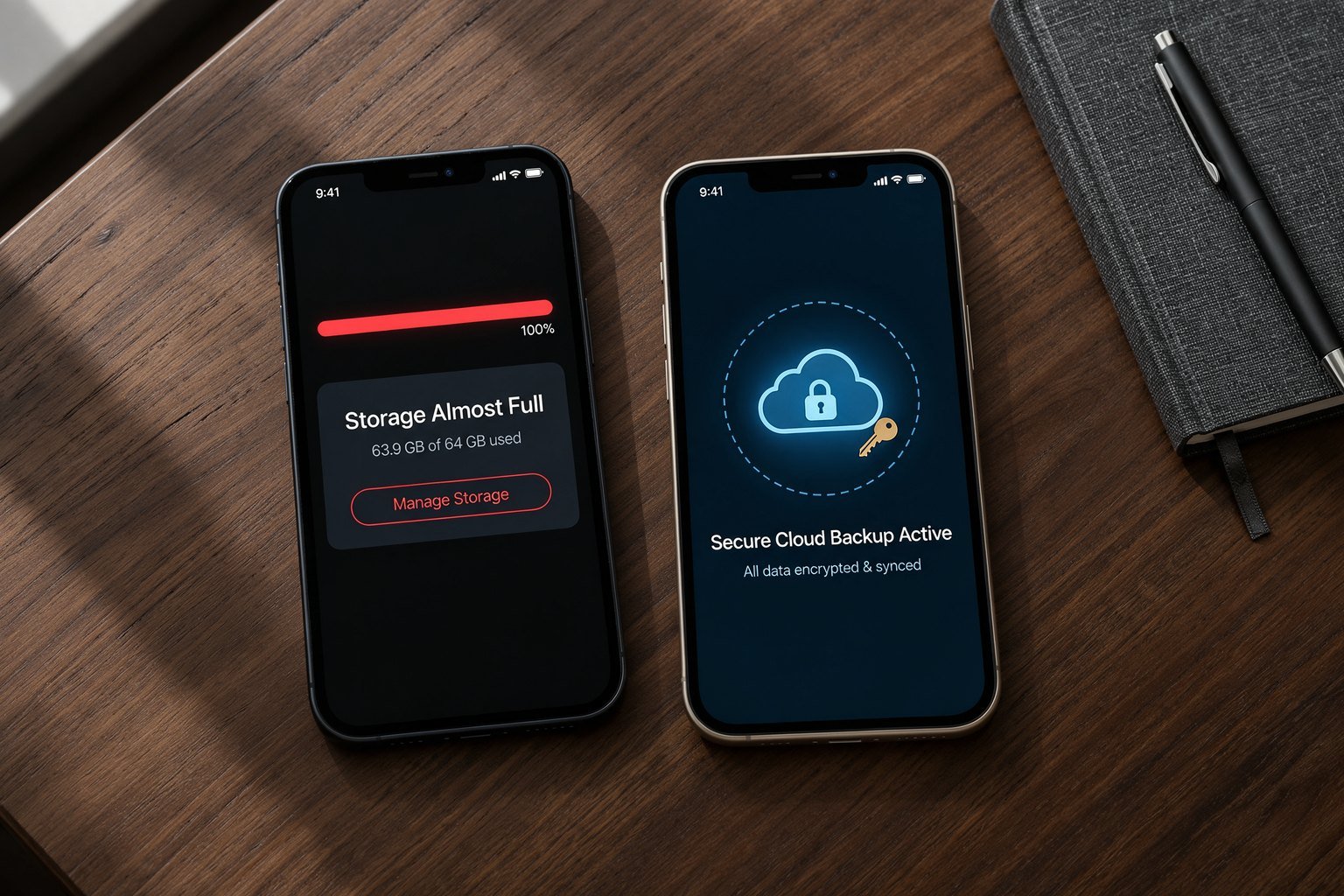
WhatsApp’s own Storage Terms, effective 8 October 2026, are blunt about this: you’re solely responsible for your encryption key or password, and if you lose it, your backup may become permanently inaccessible. There’s no “forgot password” email to save you. A passkey tied to your Google or Apple account helps, but if you choose the 64-digit key, write it down somewhere that isn’t your phone.
Switching phones
WABetaInfo says a backup stored on WhatsApp’s servers can’t be restored on a different platform. Moving from Android to iPhone, or the other way round, means using WhatsApp’s built-in chat transfer instead. Google Drive backups have never been cross-platform either, so this is a tie, but it’s worth knowing before you switch.
Fine print that matters
Two lines in the Storage Terms are easy to miss. First, if your backup grows past your limit, WhatsApp won’t make new backups until you shrink it or buy more space. Second, if your backup isn’t updated for 120 days or more, WhatsApp may not be able to restore it and reserves the right to delete it. If you cancel a paid plan, WABetaInfo says WhatsApp keeps your latest backup for four months before removal.
Will 2GB be enough?
Honestly, for many Indian users, not with media included. Family groups full of good-morning images, voice notes and forwarded reels can push a backup well past 2GB. Before switching, open WhatsApp, go to Settings, then Chats, then Chat backup, and check the size of your last backup.
If it’s over 2GB, you have three options:
- Exclude videos from the backup, which usually cuts the size sharply.
- Clear heavy media with Settings > Storage and data > Manage storage, starting with large files and noisy groups.
- Pay for WhatsApp Plus if you want everything backed up without trimming.
How to switch to WhatsApp cloud storage
Once the feature reaches your phone, Beebom lists the steps on Android:
- Open WhatsApp, tap the three-dot menu and choose Settings.
- Go to Chats, then Chat backup.
- Tap Cloud backup (or “Explore WhatsApp cloud storage”) and select WhatsApp cloud storage.
- Set up a passkey, or tap More options for a password or 64-digit key.
- Let the first backup finish on Wi-Fi.
Beebom says switching does not delete your existing Google backup, so you have a safety net while the new one uploads. If you use two WhatsApp accounts on one phone, each needs its own backup set up separately.
Our take
If your Google storage is full and your WhatsApp backup fits in 2GB once videos are excluded, switch. You free up Google space and get encryption you can’t accidentally leave off. That’s a genuine upgrade for zero rupees.
Stay on Google Drive if you already pay for Google One with room to spare, or if you know you’d lose a password. The worst outcome is an encrypted backup nobody can open.
And if you’re tempted by WhatsApp Plus mainly for storage, wait for the feature to reach the stable app first. It’s a beta rollout right now, and paying for a backup you can’t use yet makes no sense. While you’re tidying up your digital life, it’s also worth checking whether Gemini is using your data for AI training.
FAQ
Is WhatsApp cloud backup free in India?
Yes. Every WhatsApp account gets 2GB of cloud storage free. For more, WhatsApp Plus offers 100GB at ₹79 a month in India, per Gadgets 360 and Beebom.
Is WhatsApp cloud backup safer than Google Drive?
It’s more private by default, since every backup is end-to-end encrypted and you can’t turn that off. The trade-off is that if you lose your passkey, password or 64-digit key, the backup may be gone for good.
Why can’t I see WhatsApp cloud storage on my phone?
It’s rolling out to beta testers first. Android Authority expects a wider rollout over the coming weeks, so keep WhatsApp updated from the Play Store or App Store.