Gemini on CarPlay in India: How to Use It in Hindi, and Is It Free?
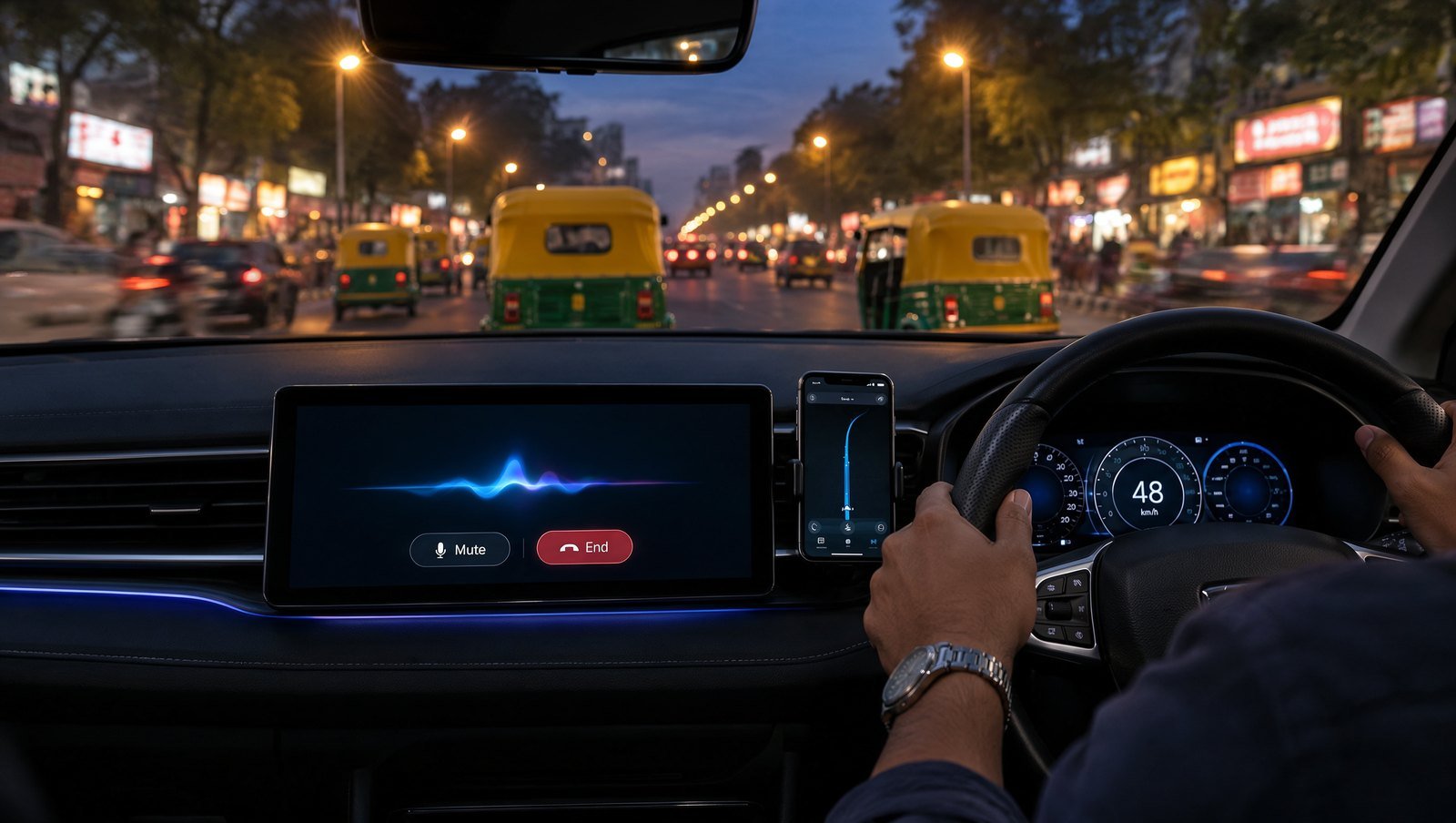
For years, the only voice that answered you on a CarPlay screen belonged to Siri. That changed this week. Google has put the full Gemini app on Apple CarPlay, so an iPhone plugged into your Creta, Nexon or XUV can now hold a proper back-and-forth conversation through the car’s speakers. Gemini on CarPlay in India works from day one, and the part most launch coverage skipped is the most useful one for us: it speaks the same languages as Gemini Live, which here means Hindi and eight other Indian languages. Below is how to set it up, what it can genuinely do on an Indian commute, and where it falls short.
What Google actually launched
Google announced the CarPlay app on its Keyword blog on 11 November, and the update reached the App Store a day later, according to 9to5Mac. Until now, iPhone users only met Gemini inside Google Maps on CarPlay, where it helps with the route: finding parking, adding a stop, avoiding tolls. The new app is different. It is Gemini Live, Google’s free-flowing voice mode, sitting on its own icon on the dashboard.
Tap it and you either continue a recent chat or start a new one. You can interrupt mid-answer, change the subject, or pause while you take an exit. When you park, the whole conversation is waiting in the Gemini app on your iPhone. Google’s own blog post says the rollout is global “across every supported Gemini Live language”, and it does not mention any paid tier.
So the honest summary: this is a talking companion, not a car controller. Android Authority points out that it cannot change your music, adjust the AC or drive other CarPlay apps.
How to use Gemini on CarPlay in India, step by step
Do all of this in the driveway, not at a signal. Google lists three requirements, and the third one catches people out.
- Update the Gemini app on your iPhone from the App Store. If you only have the Google app, download Gemini separately.
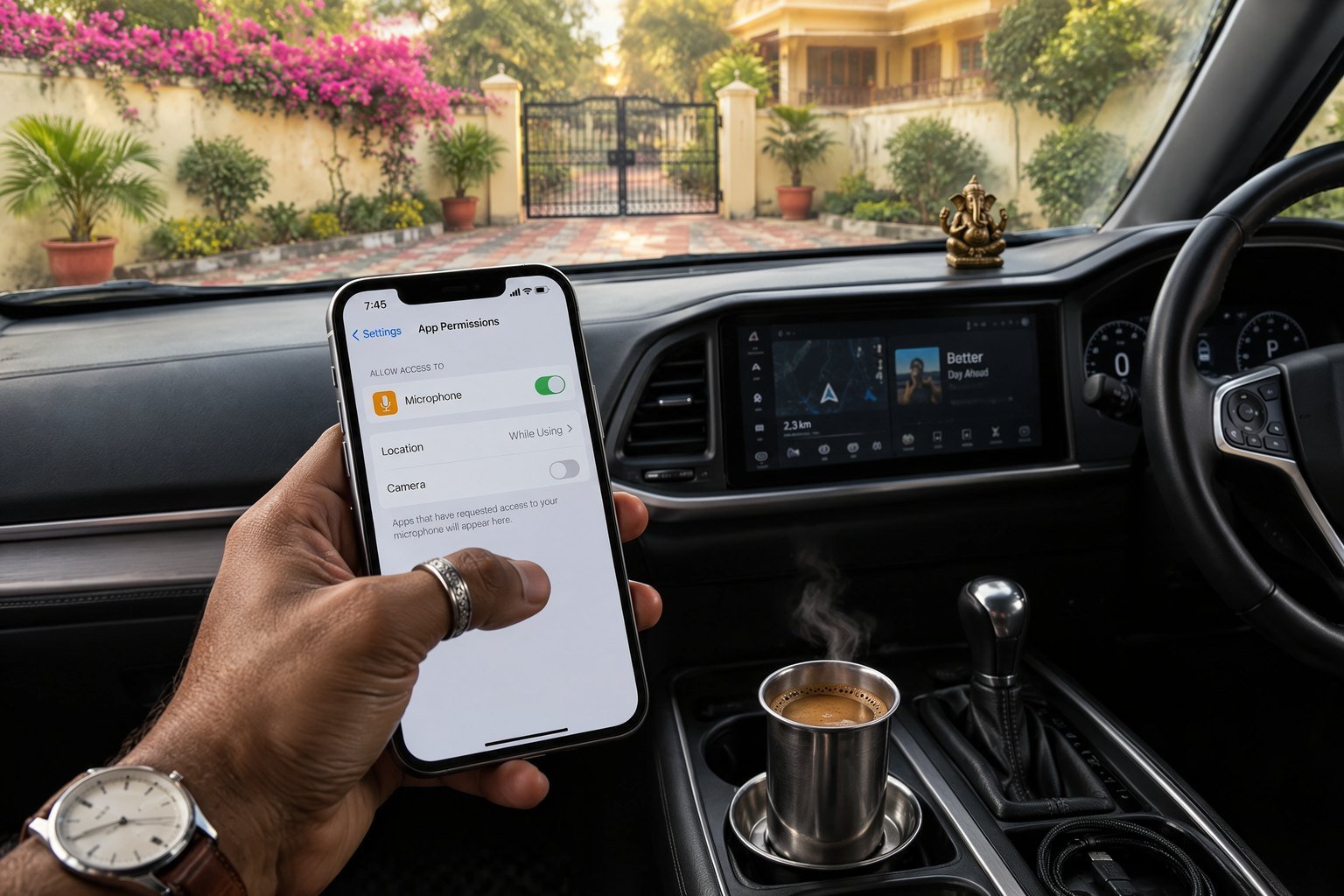
- Allow microphone access for Gemini, either when iOS asks or in iPhone Settings under Gemini.
- Use Gemini Live once on the phone. Open Gemini, tap the Live button, and have a short chat. Google says this is required before the car app will work.
- Check your iOS version. Google doesn’t name one, but Apple only opened CarPlay to voice assistant apps with iOS 26.4, and OpenAI’s and Microsoft’s help pages for their CarPlay apps both ask for 26.4 or later. If you’re behind, update first.
- Connect the phone to your car, wired or wireless, and look for the Gemini icon on the CarPlay home screen. Tap it, then pick a recent chat or start fresh.
Not seeing the icon? Google calls this a gradual rollout, and early reviewers, including Android Authority’s, said the update hadn’t reached them on launch day. Give it a few days before blaming your head unit.
Can you talk to it in Hindi?
This is the India angle worth caring about. Gemini Live added Hindi, Bengali, Gujarati, Kannada, Malayalam, Marathi, Tamil, Telugu and Urdu at Google for India in 2024, and Google says the CarPlay app supports every Gemini Live language. In other words, you should be able to ask “aaj mere calendar mein kya hai?” or switch to Tamil halfway through a drive to Chennai airport.
A caveat from us: language behaviour in Gemini Live usually follows your app and device language settings, and Hinglish recognition can be patchy on any voice assistant. If Gemini keeps replying in English, check the language setting in the Gemini app while parked. Don’t fiddle with it at 60 km/h.
Compare that with yesterday’s big Gemini story. Our guide to Gemini task automation in India found that the app-tapping agent works only in English for now. The CarPlay app has no such gap, because it’s simply Live on a bigger screen.
What it’s good for on an Indian commute
Google pitches four uses, and some translate better than others to Bengaluru traffic.
- Your day, read aloud. Ask what’s on your calendar or when you need to leave for the next meeting. If Google Calendar is connected in Gemini’s Connected Apps, this works well and needs no follow-up.
- Inbox catch-up. Gemini can summarise unread Gmail and long threads by voice. Useful on a 90-minute crawl from Gurugram, less so when a colleague is in the passenger seat and your HR thread gets read out.
- Local tips. Ask for a quick lunch stop near your destination or the story behind a monument you’re passing. On a Mumbai-Pune expressway run, this is the fun bit.
- Thinking out loud. Rehearse a pitch or have a topic explained. Google likes this one. We’d keep it for slow traffic, because long conversations take real attention.
One feature you probably won’t get: Daily Brief, the morning roundup Google advertises. Its help page says it’s English-only and available to adults in the US, rolling out gradually. Indian users can still ask for their calendar and emails individually.
Gemini vs ChatGPT on CarPlay
Gemini is late to this party. ChatGPT, Claude, Copilot, Perplexity and Grok all reached CarPlay first, as 9to5Mac notes. The real difference is Google’s own apps. OpenAI’s help page says ChatGPT on CarPlay can’t access maps, vehicle information or your live location, and it has no route into Gmail. Gemini’s advantage is that your Calendar and Gmail are already there. If your life runs on Google Workspace, Gemini is the more useful passenger. If you mostly want open-ended chat in Hinglish, try both; neither has a wake word of its own, so you tap the icon either way.
Siri remains a separate story. Apple’s own AI upgrade, which we covered in our piece on Siri AI opening up to developers, is still the only assistant that controls the phone itself.
Our take: brilliant for listening, risky for talking
Hands-free is not the same as attention-free. Researchers at the University of Utah, in studies for the AAA Foundation, found years ago that voice systems in cars can be noticeably distracting, and that composing a message is more demanding than listening to one. Those studies predate chatbots, so nobody has measured Gemini specifically. Google itself tells drivers to pause when they need to focus.
India’s motor vehicle rules allow phones for route navigation as long as they don’t distract the driver; they don’t spell out chatting with an AI. So our rule is simple. Let Gemini read to you. Ask short questions. Save the presentation rehearsal, the email reply and the deep-dive on solid-state batteries for when the handbrake is on. Used that way, Gemini on CarPlay is the best thing to happen to the Indian commute since Bluetooth calling.
FAQ
Is Gemini on CarPlay free in India?
Yes, as far as Google has said. The launch post covers “all Gemini users on iOS” and names no subscription. You need the latest Gemini app, microphone access and one Gemini Live session on your iPhone first.
Does Gemini on CarPlay work in Hindi?
Google says the CarPlay app supports every Gemini Live language, and Gemini Live has supported Hindi plus eight other Indian languages since 2024. If it answers in English, check the language setting in the Gemini app while parked.
Can Gemini on CarPlay control music, AC or navigation?
No. It’s a conversation app, not a car controller. For route help, use the separate Gemini button inside Google Maps on CarPlay, which handles things like stops, parking and tolls.