Hinglish Voice Typing on Mac: Is Sarvam’s Kivi App Worth It?
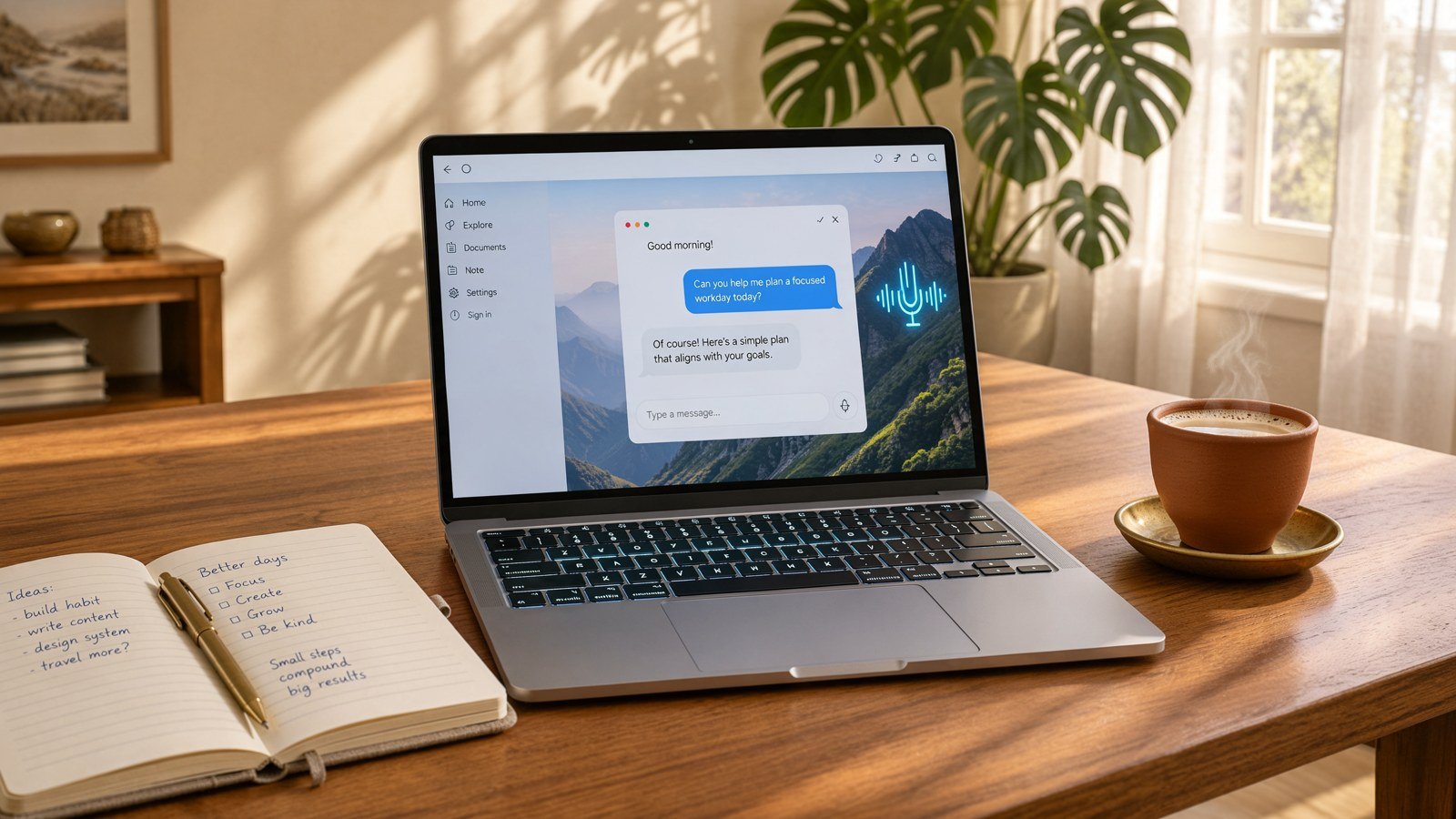
Most of us already talk to our laptops in Hinglish. We just don’t expect them to understand. That may be changing. Sarvam AI’s new dictation launch has put a spotlight on Kivi, its little-known Mac app that promises proper Hinglish voice typing on Mac: Hindi and English in the same sentence, typed straight into WhatsApp Web, Gmail or Slack with the punctuation already in place. We looked at what Kivi does, what the published numbers say, and whether it deserves a spot in your menu bar.
Why Kivi is suddenly in the conversation
On Monday night, Bengaluru-based Sarvam AI released Sarvam Dictate, a speech-to-text API for app developers that covers English and 22 Indian languages. According to the company’s launch blog and a report in The Hindu BusinessLine, it costs ₹0.50 per minute of audio and pairs Sarvam’s Saaras v4 speech model with a version of its Sarvam 105B language model trained specifically to clean up dictation.
The interesting part for ordinary users is where the test data came from. Sarvam says it measured Dictate on real recordings from people using Kivi, across 145 different apps. BusinessLine adds that Kivi users have already dictated more than 30 million words. In other words, the consumer app quietly came first, and the developer product grew out of it.
That raises the obvious question for anyone who types a lot in mixed language: can you use Kivi today, and is it any good?
What Kivi actually does
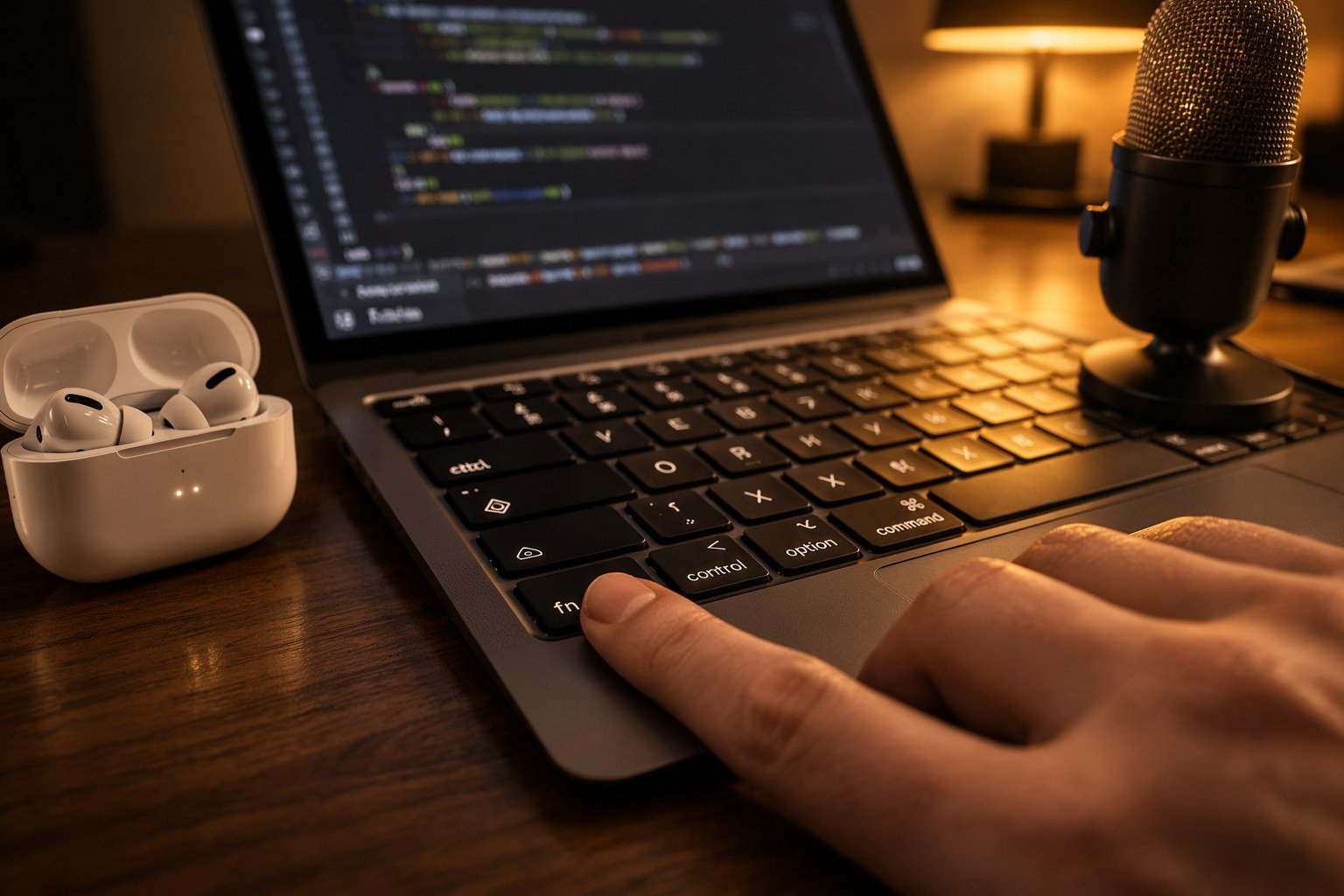
Kivi is a voice app for the Mac. You click into any text field, hold the fn key and speak. When you let go, cleaned-up text lands where your cursor is. There’s no separate box to copy from, which is the big difference from the free Hindi voice typing websites many of us have used.
According to Kivi’s own site, the app:
- types Hindi, English or both in one sentence, without asking you to pick a language first
- lets you choose Devanagari or Roman script in settings, while English words stay in English
- adds commas, full stops and question marks without spoken commands like “comma” or “purna viram”
- drops the ums and repeats, and keeps your corrections, so “four, no wait, five” becomes 5
- learns names and words you correct, so you fix them once
Say “Bhai, kal ka plan cancel kar do, I have a client call at five” and the idea is that it comes out exactly like that, mixed and readable. For anyone who texts family in Roman Hindi and colleagues in English, that one detail matters more than any benchmark.
There’s also a second mode, which Kivi calls Hey Kivi. Select some text, hold fn plus Control, and say what you want changed: “make it formal”, “shorter”, “in Hindi”. The site says it can turn tum into aap for an email to your landlord, or translate a family message into English for a colleague, right where the text sits.
Is Kivi accurate? What the numbers show
Treat every number here with care, because none of it is independent at scale.
Sarvam’s own blog says that on 2,691 English dictations up to a minute long, 4.2% of characters needed editing with its Dictate system, against 7.0% for Google’s Gemini 3.5 Transcribe and 5.3% for AssemblyAI. On 184 Hinglish clips, BusinessLine reports the gap was wider: 6.6% for Sarvam against 17% for Gemini. Those tests used the new API rather than the shipping Kivi app, and Sarvam ran them itself, although it published its method and an outside cross-check.
The only third-party comparison we found comes from Caddie, a rival Mac dictation app, which tested six setups on 13 October. On eight short clips of Indian English and Hinglish from a single speaker, Kivi had a 9.1% word error rate, Wispr Flow 7.9% and Apple’s built-in dictation 25.5%. Caddie itself points out that eight clips is a tiny sample and that it makes one of the apps it tested.
So the fair reading is this: Kivi sits in the same league as the best paid dictation tools, and all of them are far better than the Mac’s built-in option for Indian speech. Whether it beats Wispr Flow for your voice is something only a week of real use will tell you.
Kivi vs Wispr Flow vs free options
Wispr Flow is the app most people in Indian tech circles already know. By Kivi’s own comparison page, Wispr Flow runs on Mac, Windows, iPhone and Android, has a free tier of 2,000 words a week and a Pro plan at $15 a month. The same page says Wispr Flow’s FAQ recommends sticking to one language at a time. Kivi, on the other hand, is Mac only, needs macOS 14 or later, and is free “for the near future”, with pricing not yet decided.
Then there are the tools you already own. Apple dictation is built in and costs nothing, but the Caddie test suggests it gets roughly one word in four wrong on Indian speech. Google Docs voice typing handles Hindi inside the browser, and Gboard’s voice typing works across apps on Android phones, though you switch languages from the toolbar rather than mixing them freely.
A quick way to choose:
- You write on a Mac and mix Hindi and English all day: try Kivi first.
- You need Windows or your phone: Kivi can’t help yet. Kivi’s FAQ says Windows is coming soon; there’s no phone app.
- You only dictate in English: Wispr Flow or Apple dictation may be enough.
How to try Hinglish voice typing on Mac with Kivi
Setup takes a couple of minutes. Download Kivi from heykivi.ai, install it and sign in. In settings, pick Roman if you type Hinglish the way most people text, or Devanagari if you want proper Hindi script. Then open any app, click in a text box, hold fn and talk normally. If it gets a name wrong, correct it once where you typed it.
Two practical tips. Grant microphone and accessibility permissions when macOS asks, or the app can’t type into other windows. And start with low-stakes messages before you dictate a client email, so you learn how it handles your accent and your office jargon.
On privacy, Kivi says your data is never used for training, and its privacy policy is linked from the FAQ. Read it before you dictate anything sensitive, the same way we suggested checking settings in our guide to stopping Gemini from using your data.
Our take
Kivi is the first dictation app we’ve seen that treats Hinglish as the default rather than an edge case, and that alone makes it worth ten minutes of your time if you work on a Mac. It’s free, it’s made in India, and the early numbers put it close to tools that charge $15 a month.
The catch is reach. No Windows, no Android, no iPhone, and no price yet, so don’t build your whole workflow around it until Sarvam says what it will cost. If you’ve been comparing AI subscriptions lately, as in our ChatGPT Go vs Plus breakdown, keep Kivi in the free column for now and enjoy it while it lasts.
FAQ
Is Kivi free to use in India?
Yes, for now. Kivi’s site says it is free for the near future and that pricing hasn’t been decided. The separate Sarvam Dictate API for developers costs ₹0.50 per minute of audio.
Does Kivi work on Windows or Android phones?
Not yet. Kivi currently works only on Macs running macOS 14 or later. Its FAQ says a Windows version is coming soon, and there’s no official Android or iPhone app.
Can Kivi type Hinglish in Roman letters?
Yes. Speak Hindi and English in the same sentence and Kivi types it the same way. Choose Roman in settings for “kal milte hain”, or Devanagari for the Hindi script.